Quick answer: Most mobile account problems start before the game loads: a fake link, a copied login page, an outdated device, or a rushed payment. Use a simple routine—verify the address, update the phone, protect the account, and never let a stranger control the screen.
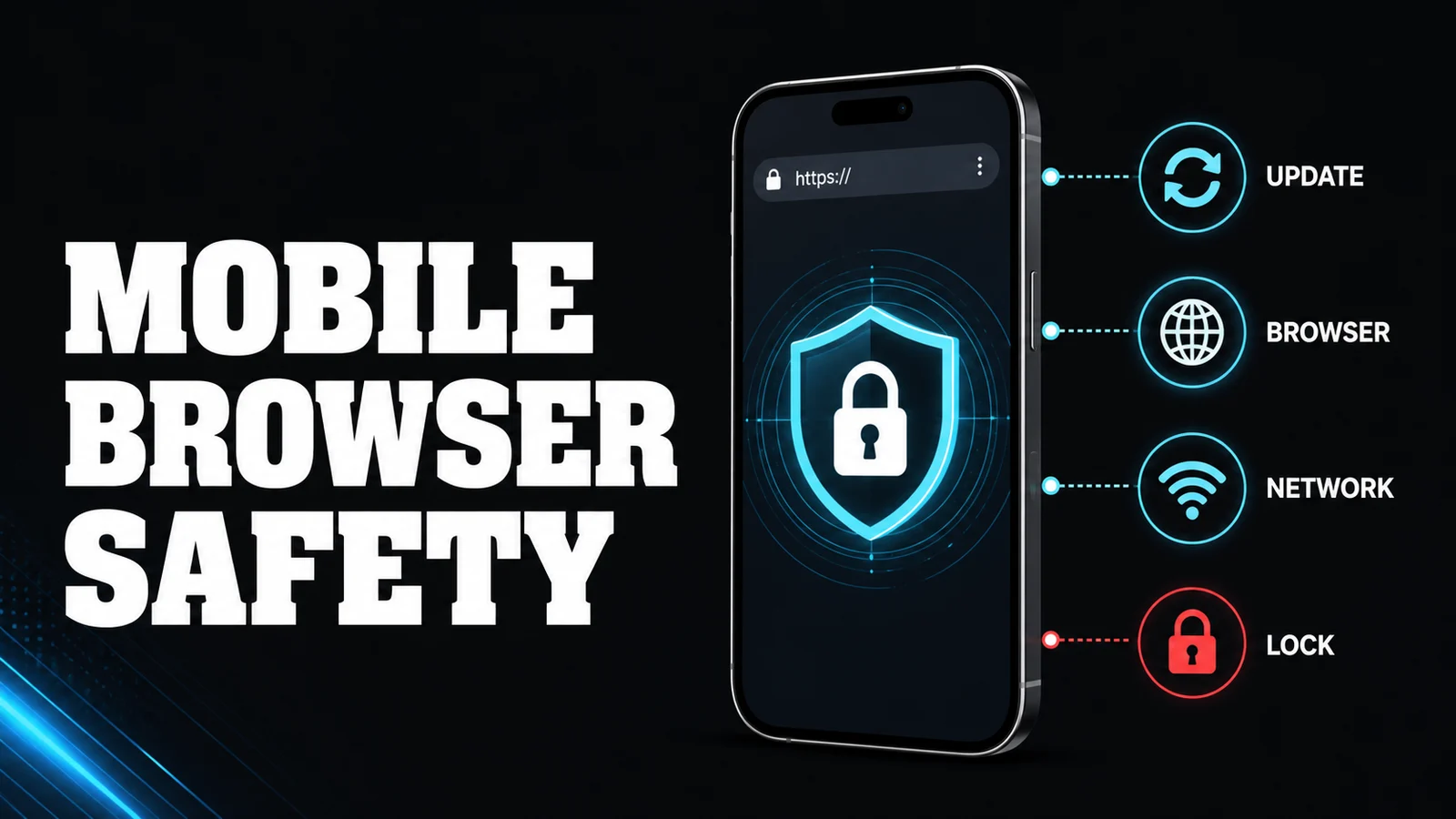
Check the address
Type the known official domain yourself or use a trusted bookmark. Look for spelling changes, extra words, strange subdomains, and shortened links. HTTPS helps protect a connection, but it does not prove that the site itself is legitimate. You still need to verify the operator and current terms.
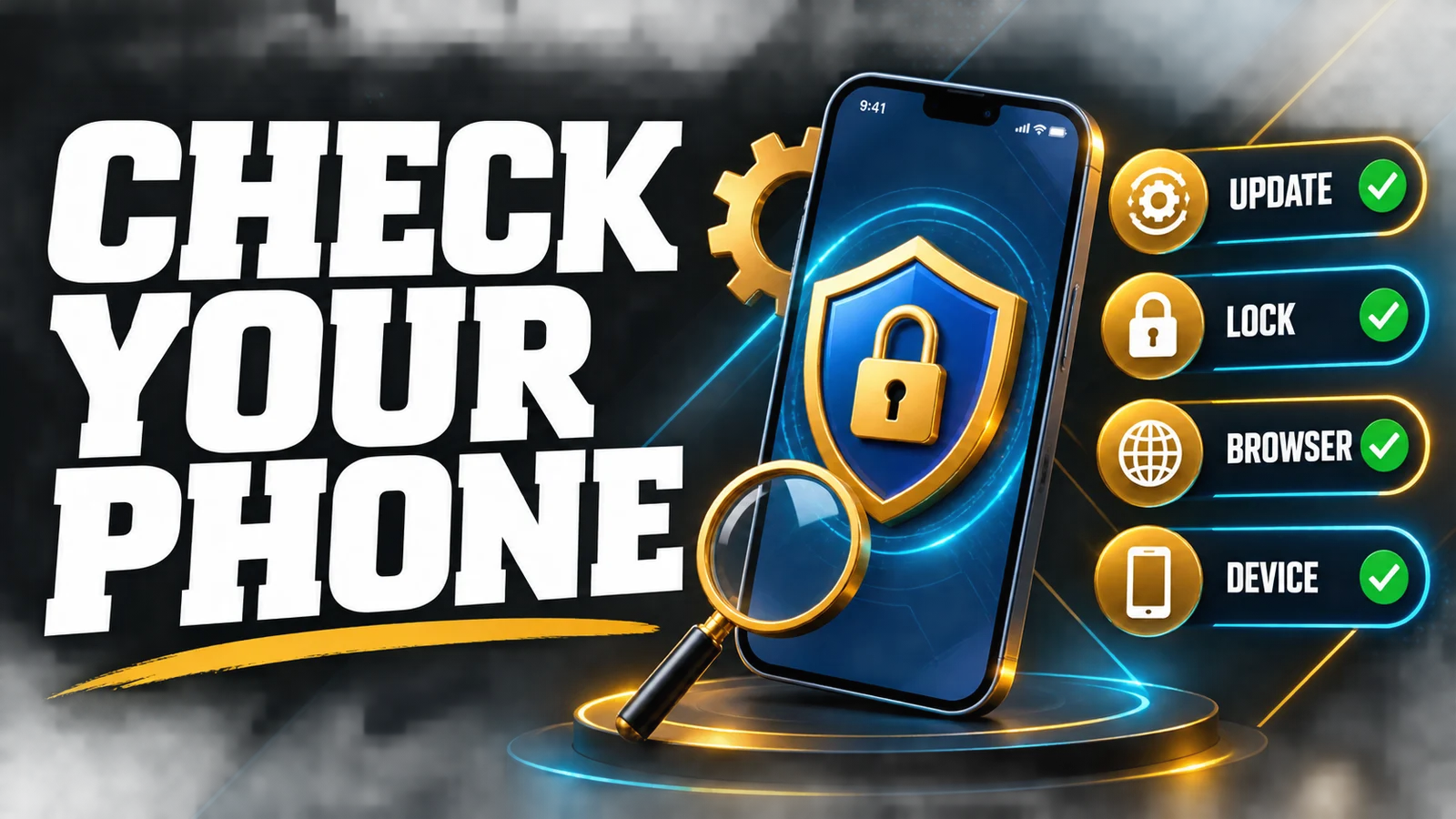
Keep the phone secure
Install system and browser updates from the official store. Use a screen lock and avoid saving passwords on a shared device. Review installed apps and remove unknown ones. Do not grant accessibility, screen-recording, or remote-control permission to a person who says they are support.
Protect logins and payments
Use a unique password and multi-factor authentication where available. Do not reuse your wallet password. Never share an OTP, PIN, or recovery code. Before paying, check the recipient, amount, and fee on the wallet screen.
Avoid public Wi-Fi for account changes or payments. If you have no choice, use your mobile connection for sensitive steps and log out afterward. Do not assume incognito mode makes a risky network safe.
If the page behaves strangely
Close the tab. Do not download an “update” from a popup or call a number shown in a warning. Open the official app store or support page independently. If you entered credentials on a suspicious page, change the password from a clean device and secure the linked payment account.
Mobile safety checklist
- Exact domain checked before login.
- Device and browser are updated.
- Screen lock is enabled.
- Password is unique and OTP stays private.
- No unknown app or remote-access permission is active.
- Public Wi-Fi is avoided for payments where possible.
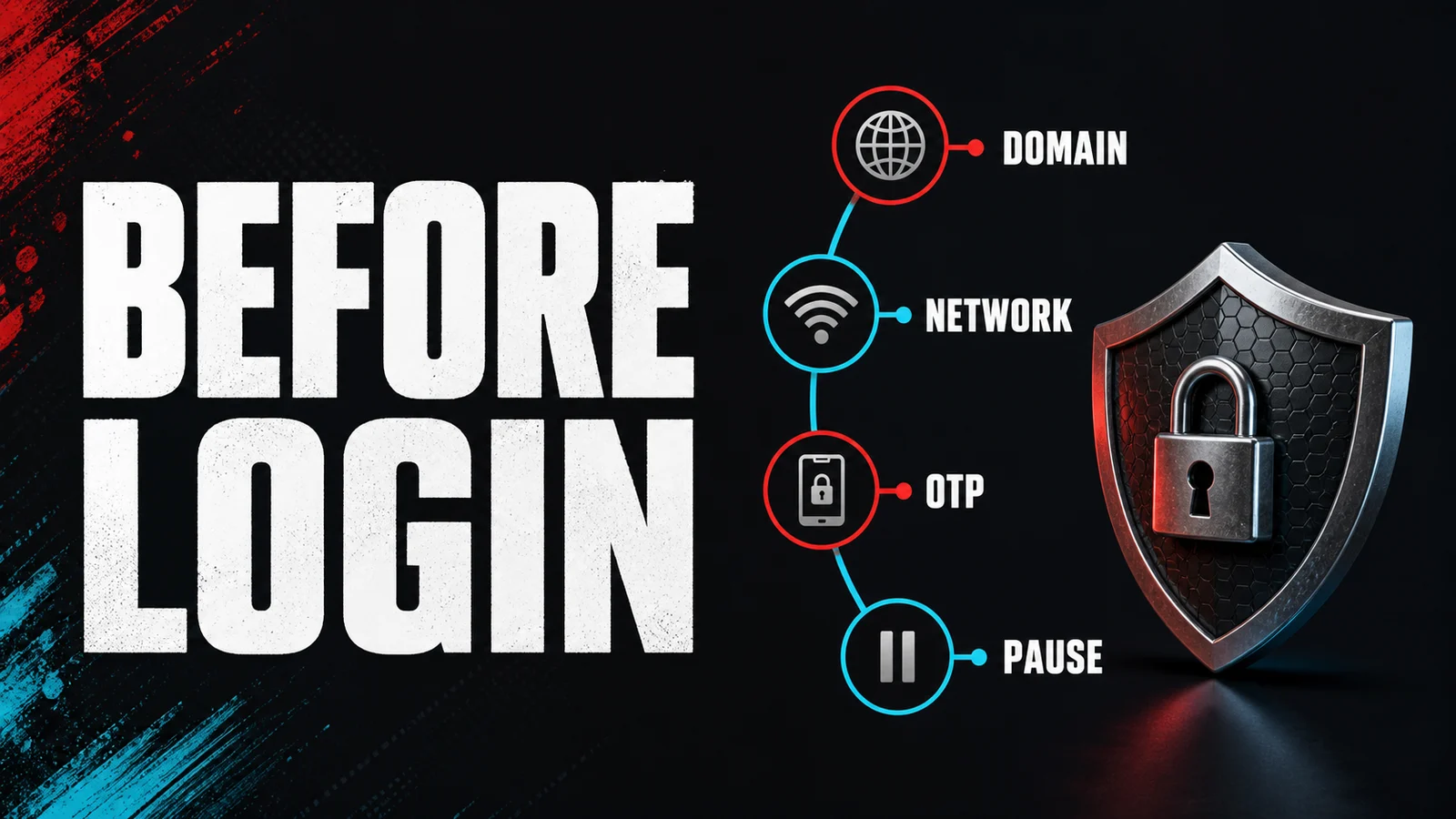
Huwag mag-share ng OTP, kahit urgent ang message. For the next check, compare online casino account checks and 7SPIN review checks and use the current page wording rather than an old screenshot or chat promise.
For the next practical check, you can also read our OTP and phishing guide before moving on.
FAQ
Is a browser lock icon enough?
No. It indicates an encrypted connection, not that the operator or page is authentic.
Can support ask me to install an app?
Be cautious. Install only from a trusted official store and verify the request independently. Never install remote-control software for account recovery.
Should I keep a payment card saved in the browser?
Use your own risk judgement and the device’s security settings. Avoid saving payment details on shared or compromised devices.
Responsible gaming reminder: gambling involves financial risk. Use only money set aside for entertainment, never borrow to continue, and pause if the terms or your own limits are not clear.
Ready to check it out?
Sponsored · Terms may change.
Pingback: OTP and Phishing Safety for Online Casino Accounts in the Philippines - Gamerank88 Philippines Online Casino